
Mini apps
82 small tools that each do one job well. Drop in a file, adjust it, and download the result. No timeline needed.
Edit
Cut, trim, and reframe your clips

Trim
Cut a clip down to the part you need


Crop & Resize
Reframe a clip to 9:16, 1:1, or 16:9
Auto captions
Review captions and export subtitles or a captioned video

Remove filler words
Review word-aligned filler cuts before exporting
Find highlight clips
Find and review up to five transcript-based highlights

Translate subtitles
Translate subtitle text while keeping its timing
Merge video
Join clips in the order you choose
Split video
Cut at exact times and download a ZIP
Rotate video
Turn a clip clockwise or counterclockwise
Flip video
Mirror a clip horizontally or vertically

Change speed
Change playback speed while preserving pitch
Fade clip edges
Fade the beginning and end of a clip
Grab a frame
Save one video frame as an image
Burn subtitles
Make imported captions part of the picture
Add a watermark
Place your logo over a video
Reverse a clip
Play a short clip backwards
Loop a clip
Repeat a clip a chosen number of times
Boomerang
Play a clip forward and back
Photo slideshow
Turn ordered photos into a video
Remove video pauses
Review quiet intervals before cutting them
Remove letterboxing
Detect borders and review the crop
Blur a region
Blur a fixed rectangle in a video
Fit with blurred background
Fit a clip over a blurred background
Side-by-side comparison
Place two videos next to each other
Contact sheet
Collect video frames into one image
Scene split
Detect scene cuts and review split points
Switchable subtitles
Add an optional subtitle track to a video
Subtitle timing and format
Shift subtitle timing and export SRT or VTT
Freeze frame
Pause the picture at a chosen moment
Green-screen composite
Replace a green or blue screen with an image
Audio
Clean up and pull out sound


Extract Audio
Save the sound from any video as MP3 or WAV
Remove Noise
Clear hiss, hum, and room noise
Transcribe recording
Turn speech into an editable timed transcript
Isolate speech
Separate spoken words from background sound
Generate a voiceover
Turn a script into spoken narration

Separate music stems
Split music into six downloadable stems
Generate sound effects
Describe a sound and generate a short audio clip
Dub a recording
Review a translation and replace speech with one narrator

Mute video
Remove the soundtrack from a video
Trim audio
Keep the part of a recording you need
Normalize loudness
Set loudness and download its measurements
Add a soundtrack
Replace or mix a video's soundtrack
Merge audio
Join recordings into one audio file

Waveform video
Put a waveform over your cover art
Repair channel layout
Choose a channel or repair one-sided audio
Fix audio offset
Shift sound to line up with the picture
Audio equalizer
Adjust bass, treble, and frequency filters

Remove mains hum
Reduce electrical hum at 50 or 60 Hz
Duck music under speech
Lower a music track while speech plays
Trim audio silence
Remove quiet gaps from a recording
Change pitch
Shift pitch while keeping the same duration
Loudness report
Measure loudness and peaks without changing audio
Optimize
Convert formats and shrink files
Convert
Switch between video, audio, and GIF formats


Compress
Make a file smaller and keep it sharp
GIF maker
Choose a range, size, and frame rate for a GIF

Compress to a size
Encode a video for a target file size
Fix frame cadence
Export at a constant frame rate
HDR to SDR
Tone-map supported HDR footage to SDR
Lossless remux
Change compatible containers without re-encoding
Media inspector
Inspect codecs, dimensions, and stream details
Metadata cleanup
Remove embedded metadata from your media
Batch image resize
Fit several images to a size and download a ZIP
Enhance
Auto-improve quality
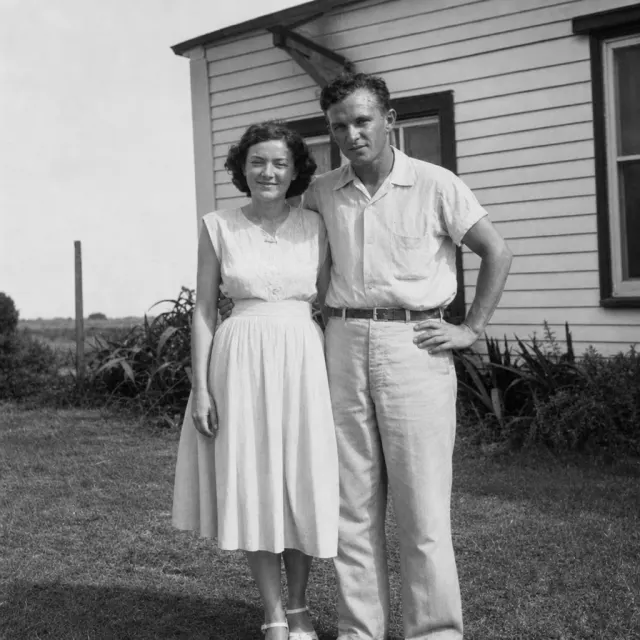
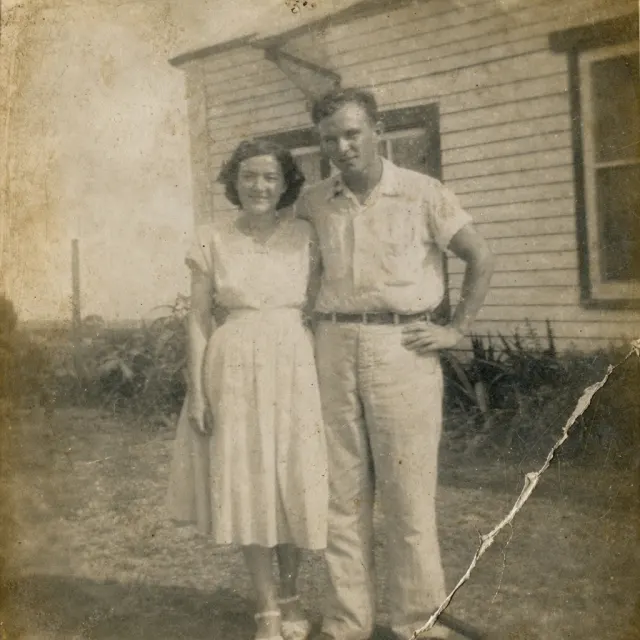
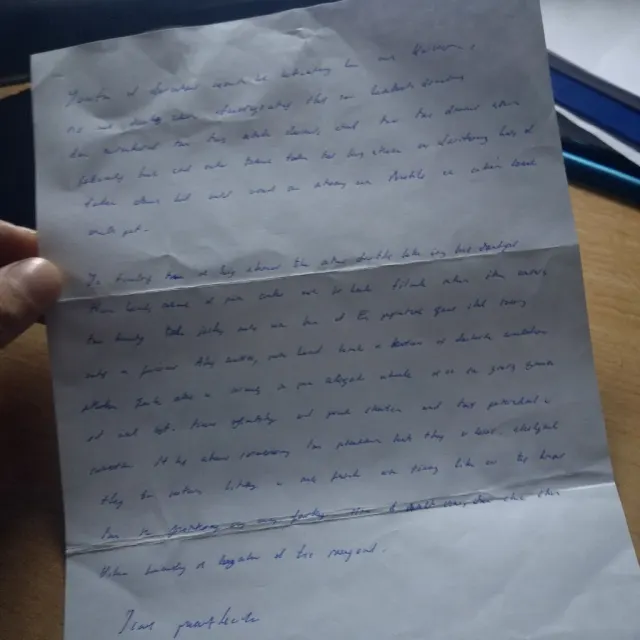
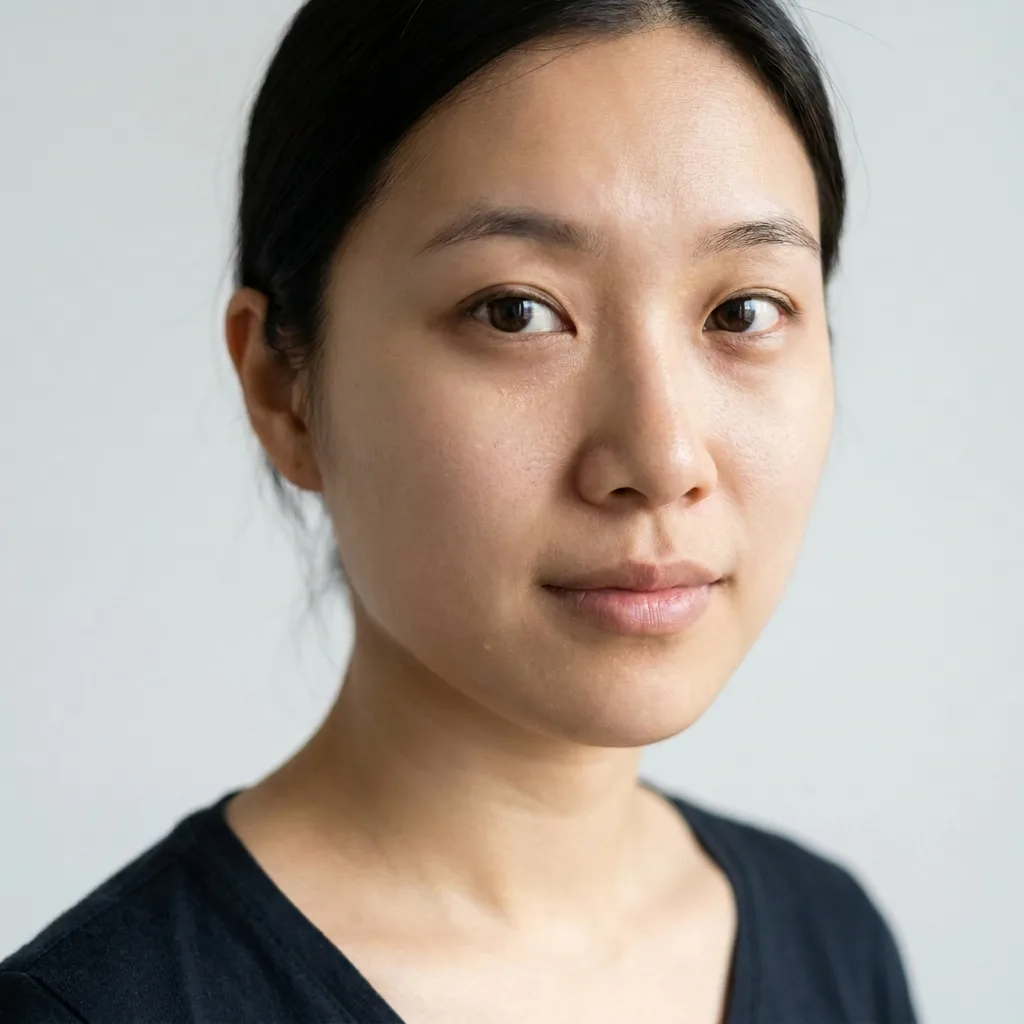
Enhancer
Fix skin, old photos, and documents
Remove image background
Cut out a subject to a transparent PNG
Upscale image
Enlarge a still image by two or four times
Erase an object in a photo
Replace a masked area with a described fill
Extend an image
Generate new scenery beyond the edges of a photo
Replace photo background
Keep the subject and generate a new background
Product scene maker
Place a product photo in a described scene
Relight a photo
Describe a new lighting treatment for a photo

Restyle a still
Restyle a photo using a reference image
Thumbnail concept generator
Generate two thumbnail concepts with an optional title
Animate a still
Turn a still into four seconds of silent video

Generate a transition between two stills
Generate a four-second transition between two images
Upscale video
Enlarge a short video with AI detail recovery
Denoise video
Reduce noise in a short video with Nyx
Smooth motion
Interpolate a short video to 30 or 60 frames per second
Lip sync to supplied audio
Align a face video to an uploaded audio track
Color adjustment
Adjust brightness, contrast, and saturation
Apply a LUT
Apply a cube color preset to SDR footage
Stabilize video
Reduce camera shake in a clip
Deinterlace footage
Convert interlaced footage to progressive